Using Barcodes
Last updated
The BuiltSpace Service Twin® mobile app supports the scanning of barcodes on equipment. This article will show you how to map an Asset using a barcode.
Tip!You may use barcodes instead of QR Codes to map your assets to their digital twin if for example your Assets don't have enough physical space to properly display a QR Code on them.
The steps below will show you how to map an Asset using a barcode:
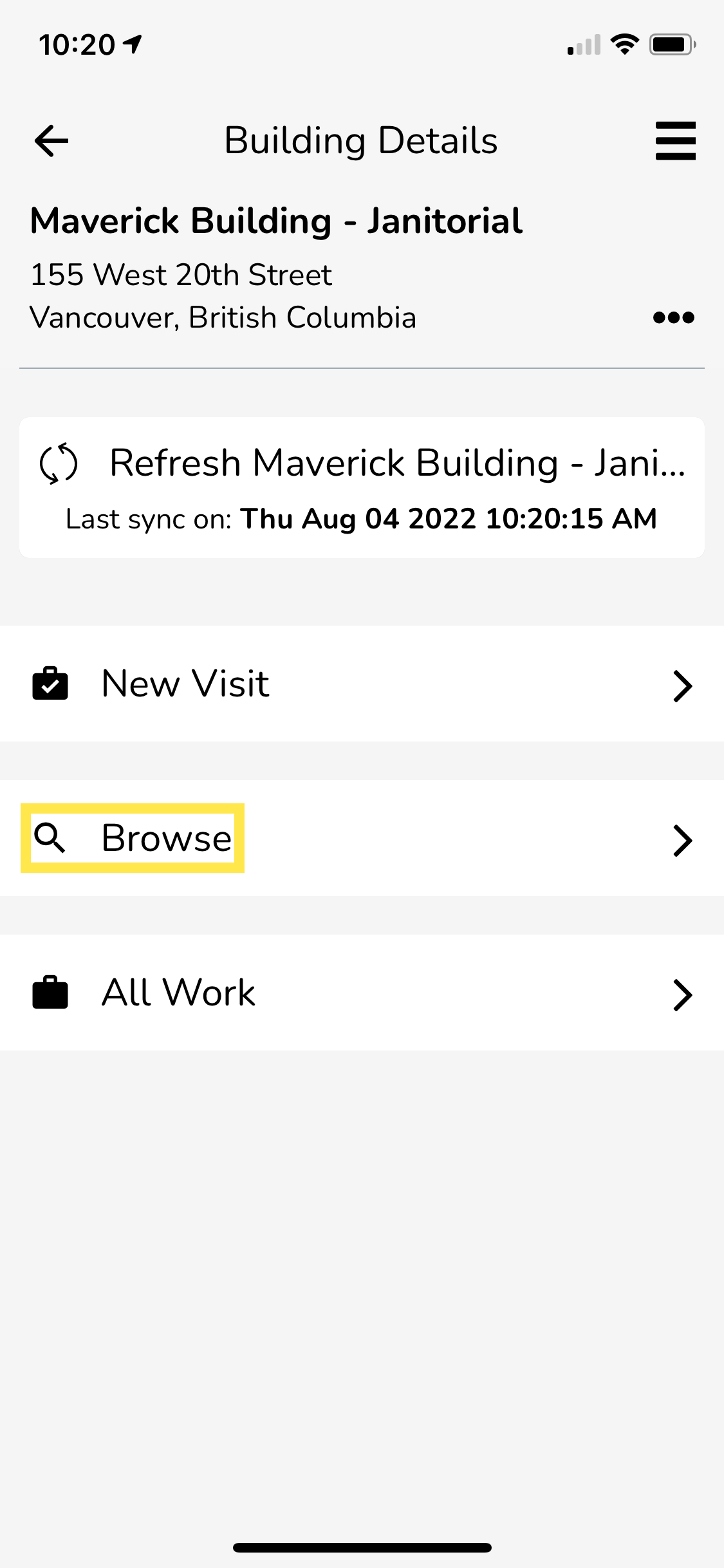
- Using the Service Twin® mobile app, go to Explore, then select a building and tap on Browse.
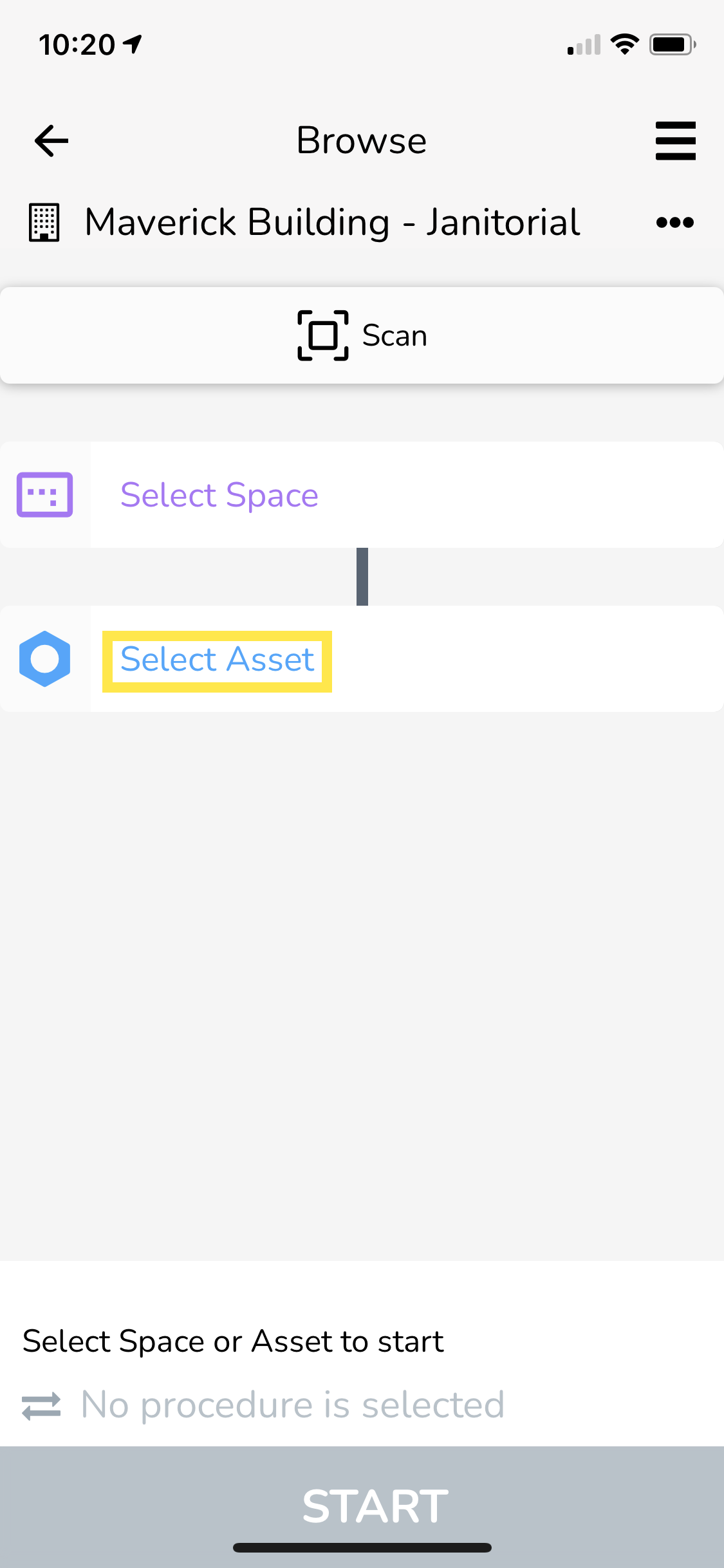
- Next, tap on Select Asset.
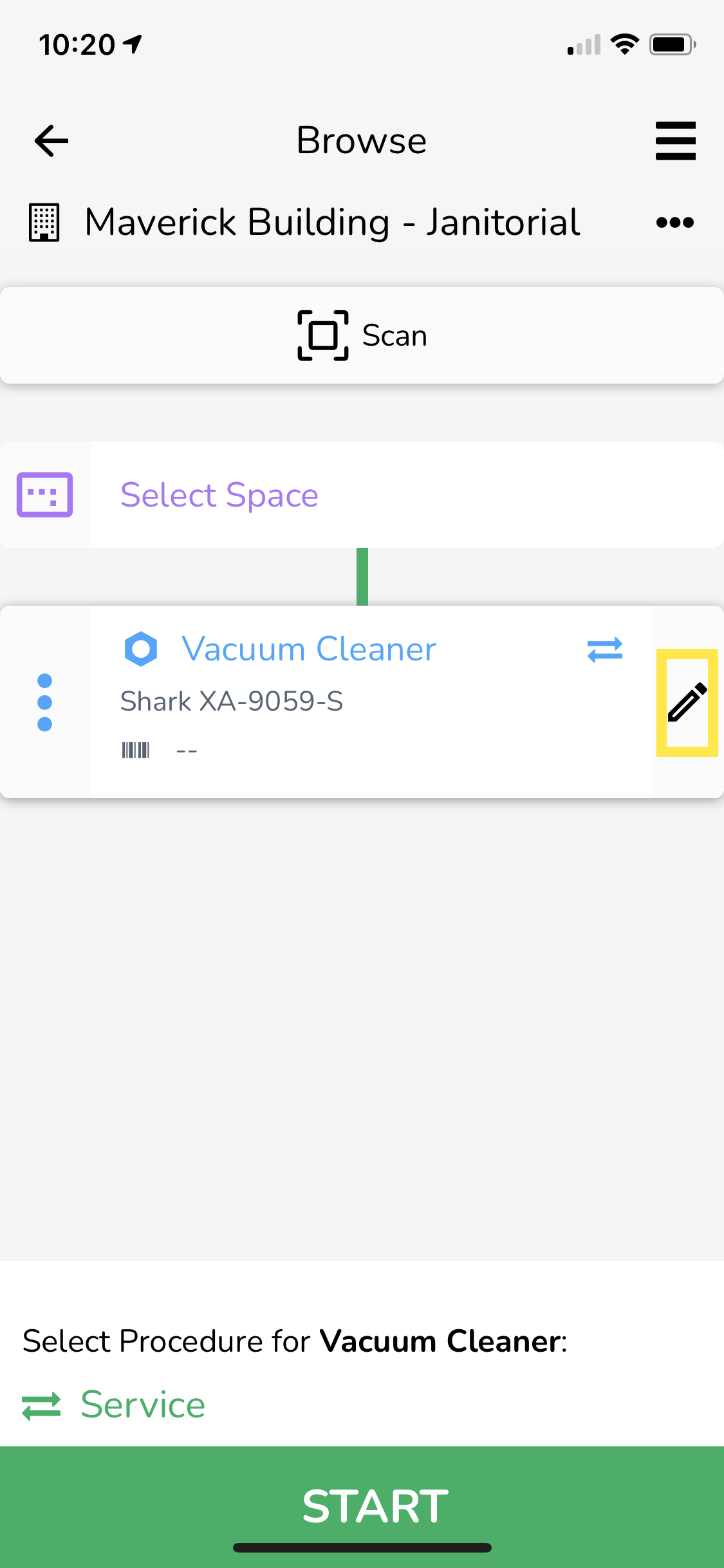
- Choose the Asset you want to map, and then tap on the Pencil icon to bring up the edit screen.
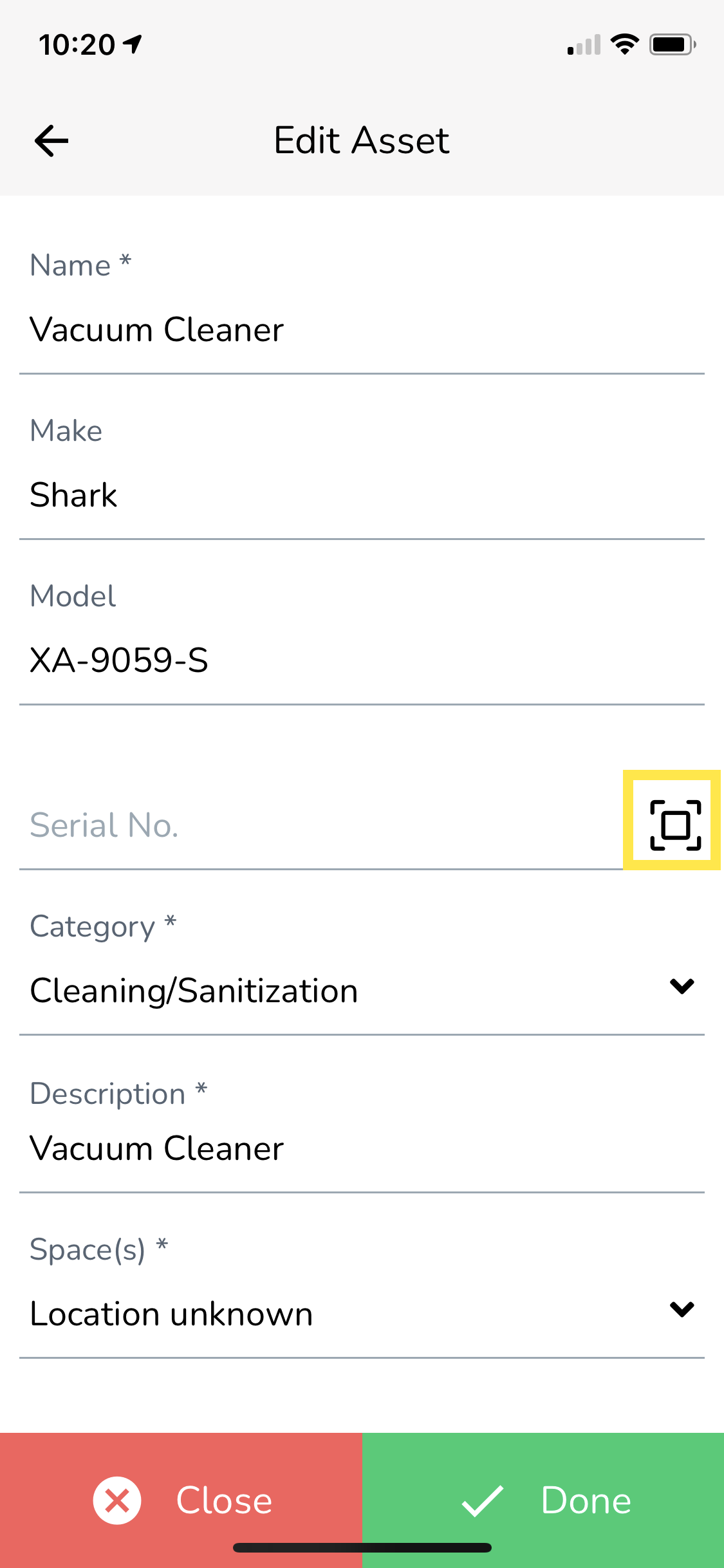
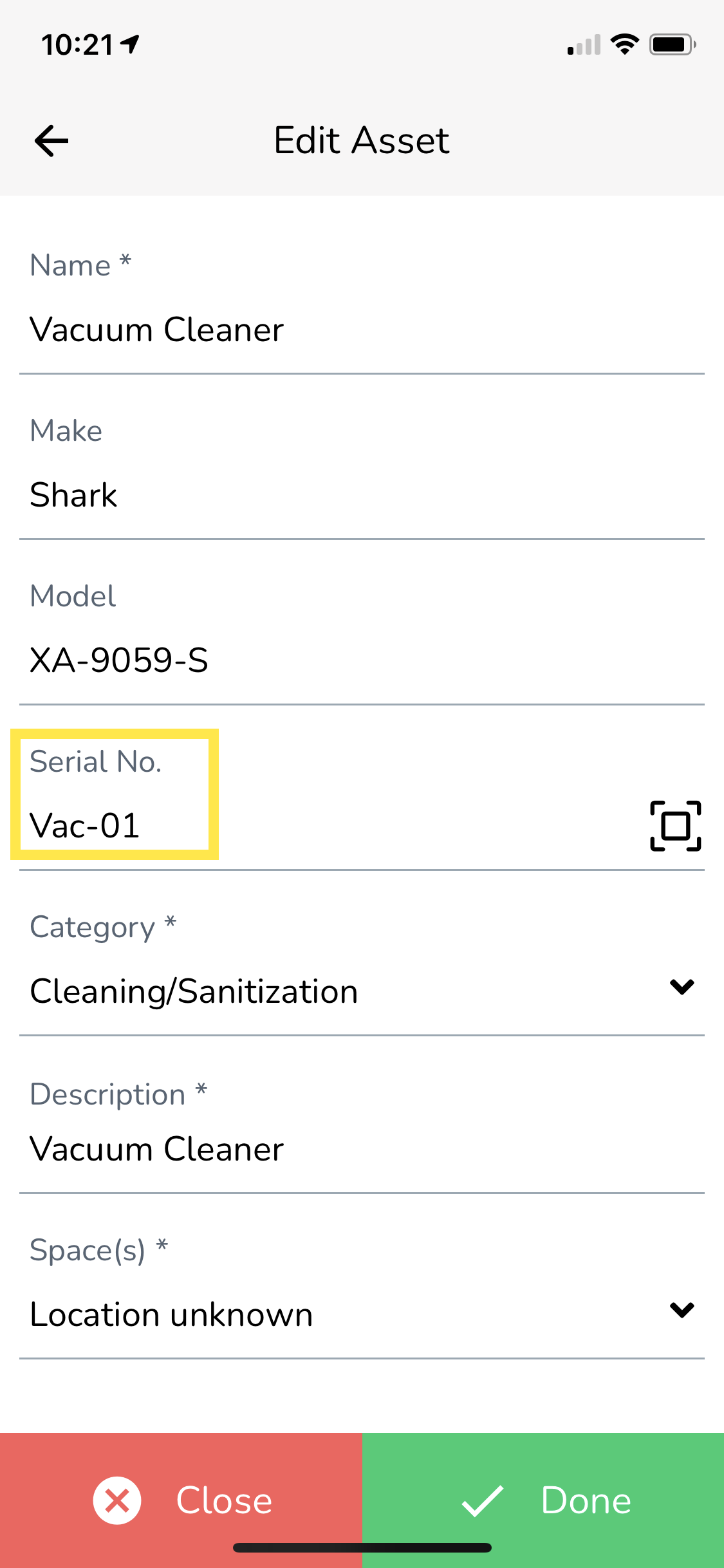
- Tap on the Scan icon next to the Serial No. field.
- Scan the barcode using the phone camera. Once scanned, the serial number of the Asset will be automatically entered into Serial No. field.
- Tap on Done to submit the changes.
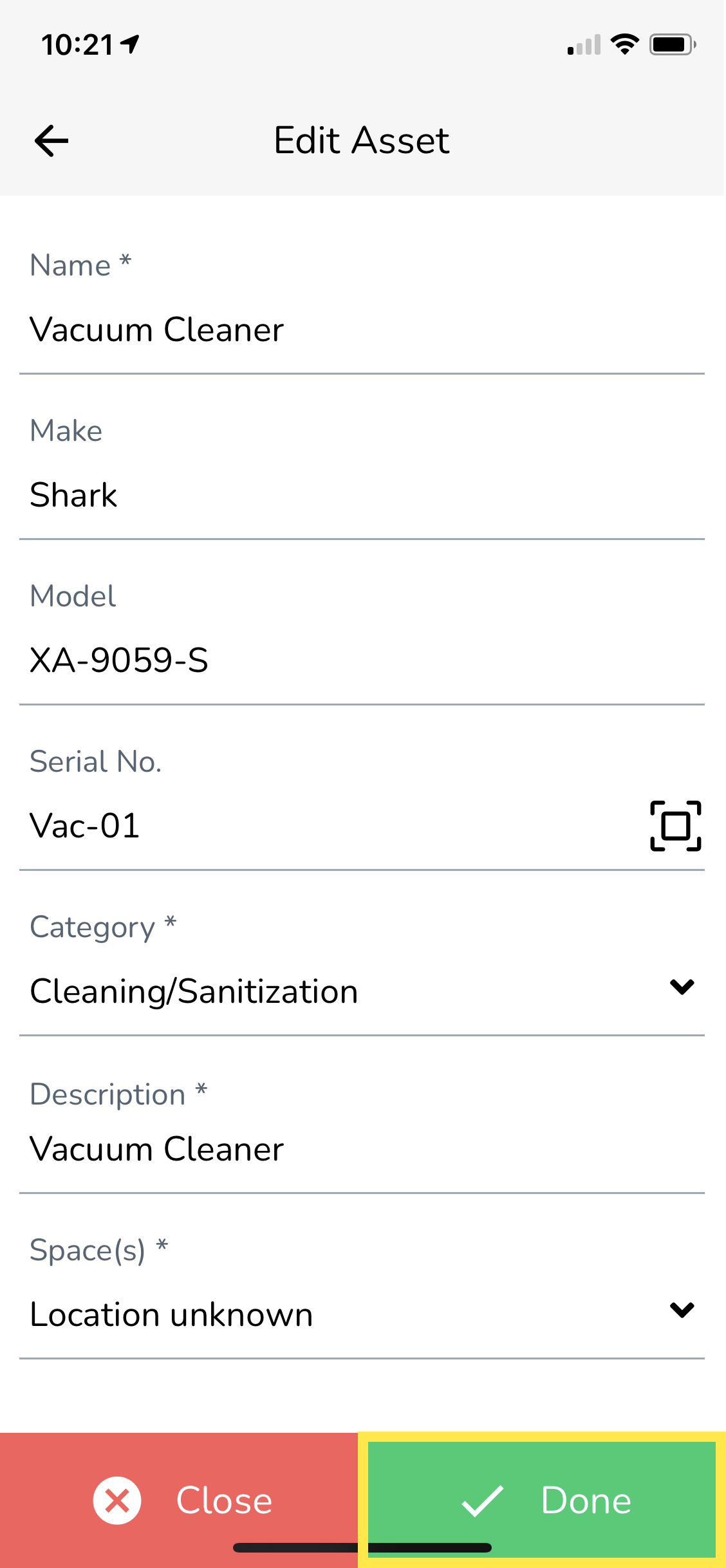
The barcode you scanned in step 5 is now mapped to that Asset. In the future, if anyone scans that barcode when browsing a Building in the Service Twin® app, that Asset will be automatically selected.