Send Report To
Last updated
At the end of every inspection, you can send a report to any number of email addresses.
In order to use this feature, scroll to the bottom of the inspection screen until you come across the Send Report To box.
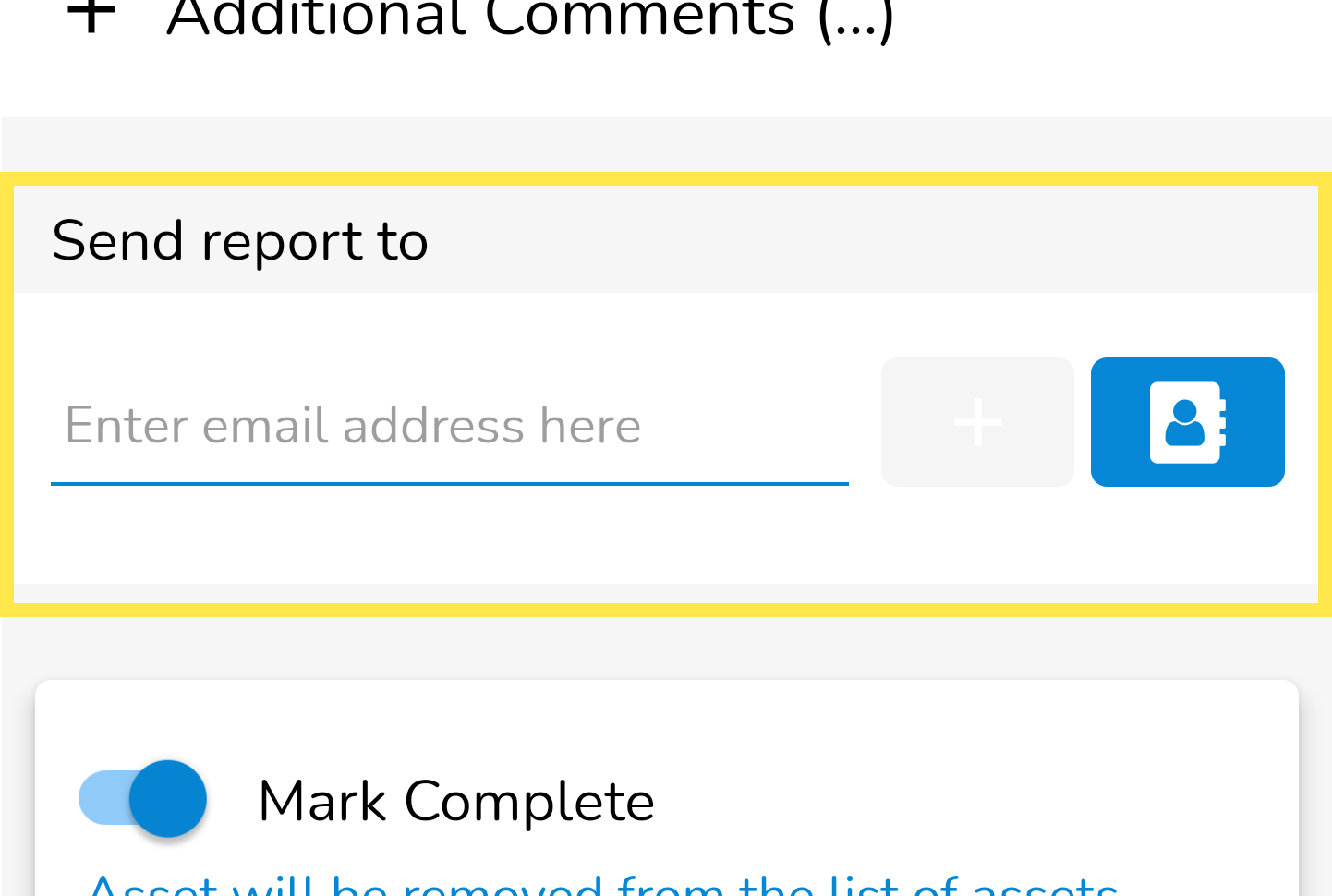
To add a person to whom you want to send a report to, simply start typing their e-mail address (or use the Contact Book button).
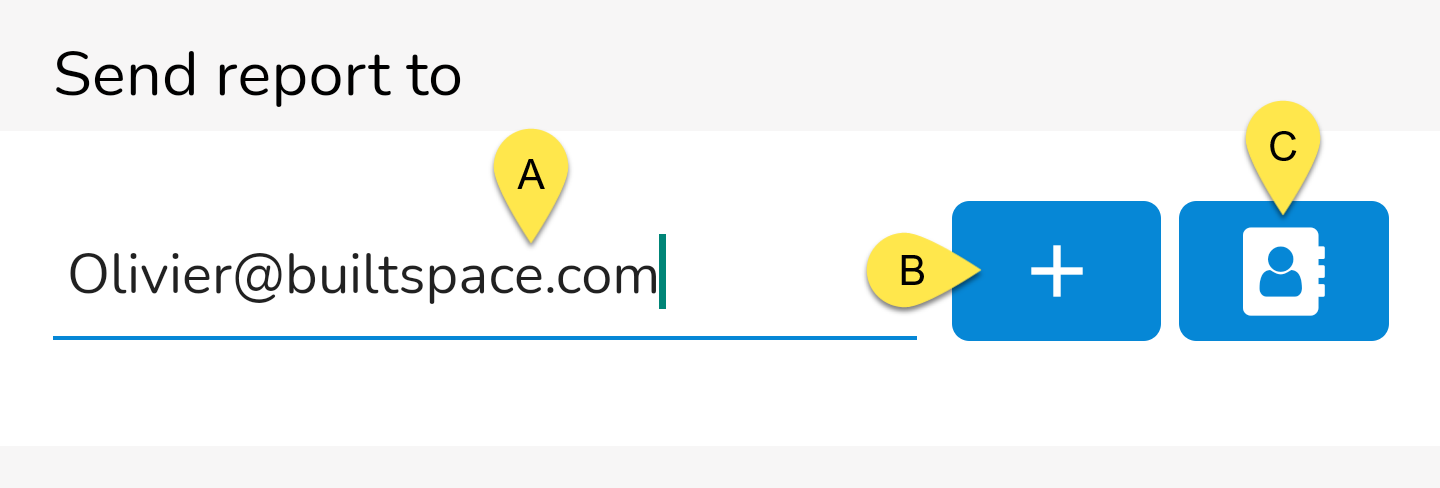
A - Email Address Type the email address of the person you want to send a report to.
B - Add button Tap this button to add the email you just typed.
Note:
The Add button must be clicked TWICE to add the email you typed.
C - Contacts Use this button to access the organization's job and building contacts.
Notes:The contact book now uses the organization's job and building contacts, streamlining access to contacts based on the user's building and job.
After you add an email address, you will see it added as a line item below. In this example, we've added two email addresses to have a report sent to:
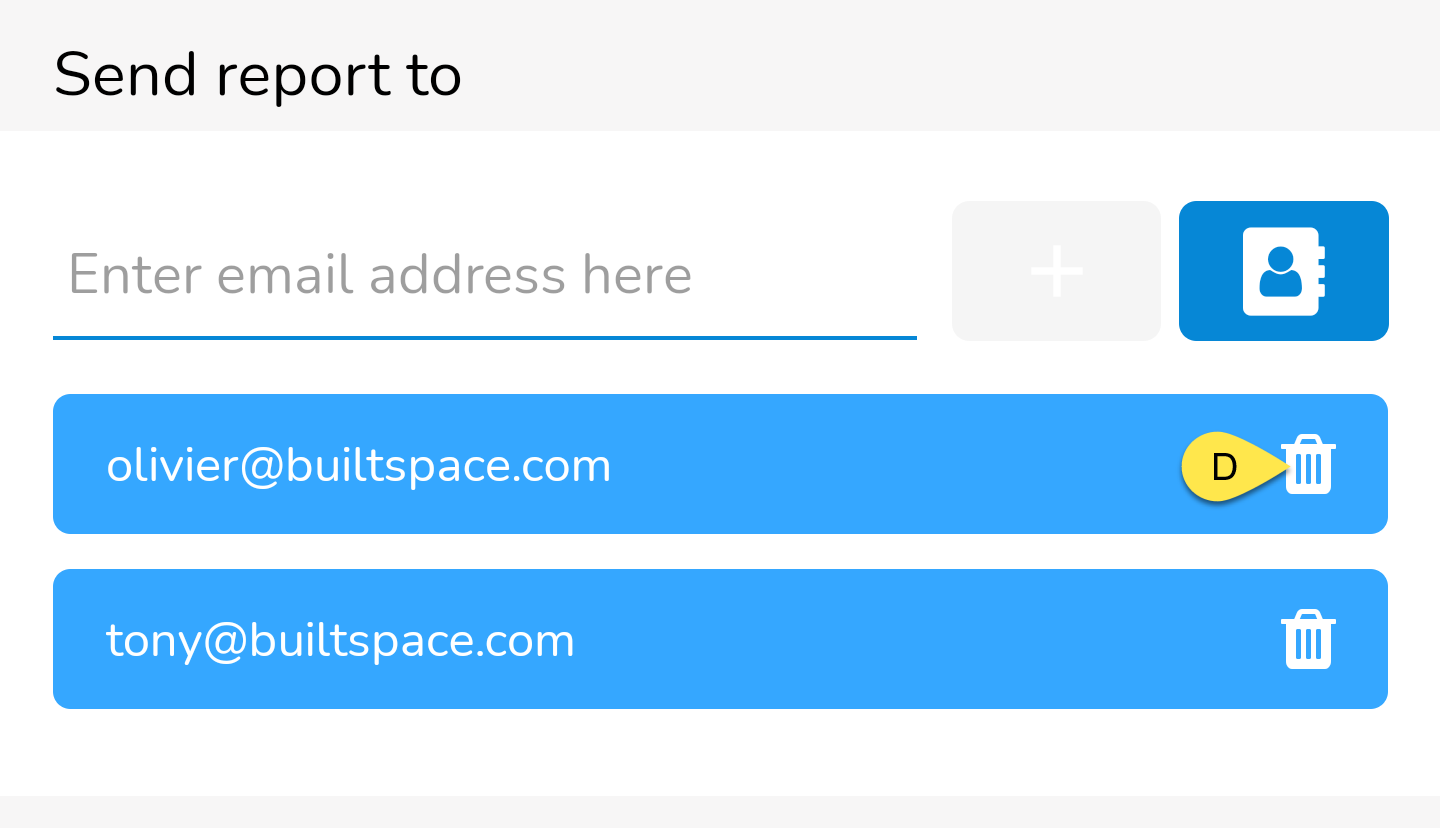
D - Delete button Tap this button to delete an entry if you change your mind or make a mistake.
Your reports will be sent upon submission of the inspection.