Saving/Submitting
Last updated
As you get to the bottom of an inspection, you'll notice that there are two buttons.
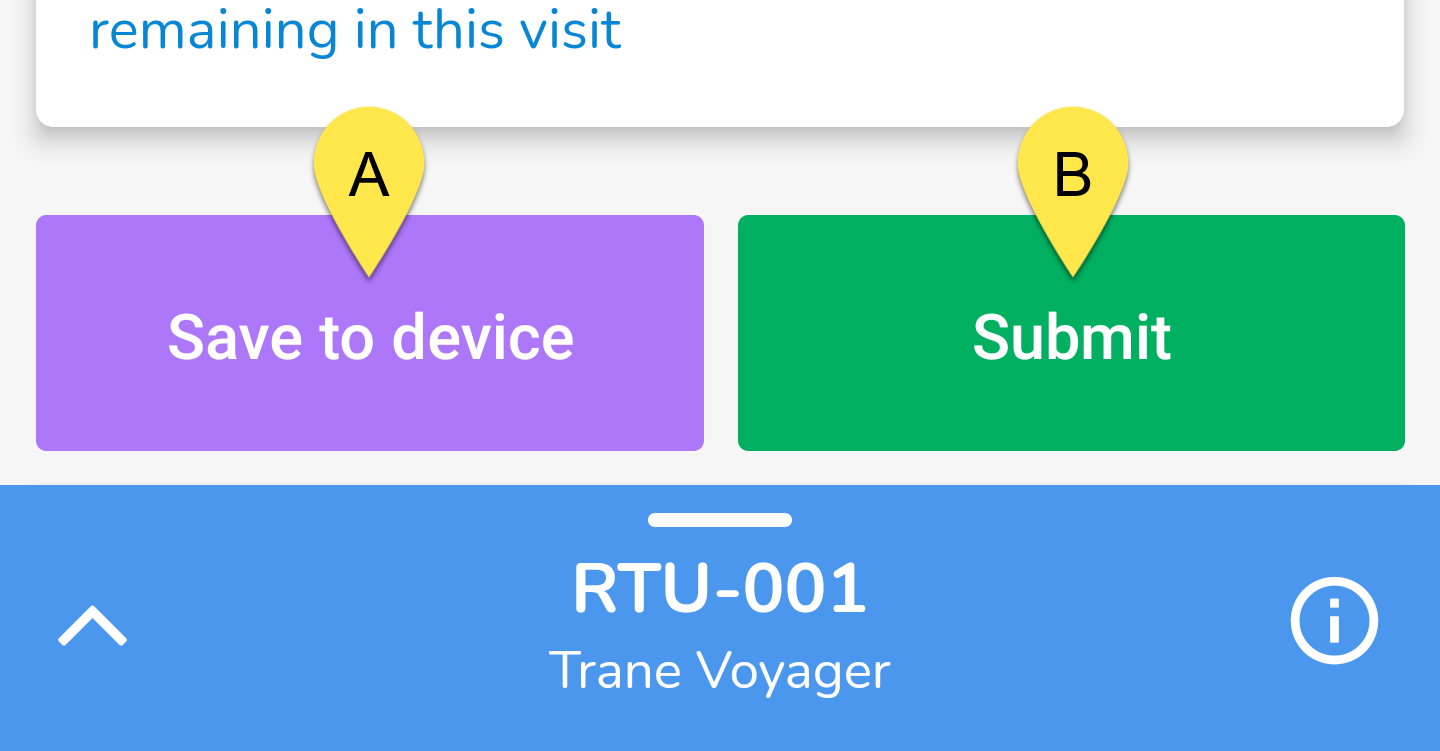
A - Save to Device This will save the inspection to your mobile device but not submit it to the server. You can submit it later from the Unsubmitted Inspections section.
Tip!Use this if you don't want to use your mobile data, especially if you are submitting lots of pictures. You can save it to your device first and then submit it later from the Unsubmitted Inspections section.
B - Submit This button does exactly what it says. It submits the inspection to the server.
Note!If you are offline and you tap Submit, the inspection will not be submitted. Instead, it will temporarily be placed into the Unsubmitted Inspections screen but will be submitted automatically as soon as you gain connection.