Removing a Building from a Group
Last updated
This article will teach you how to remove a Building from a Building Group.
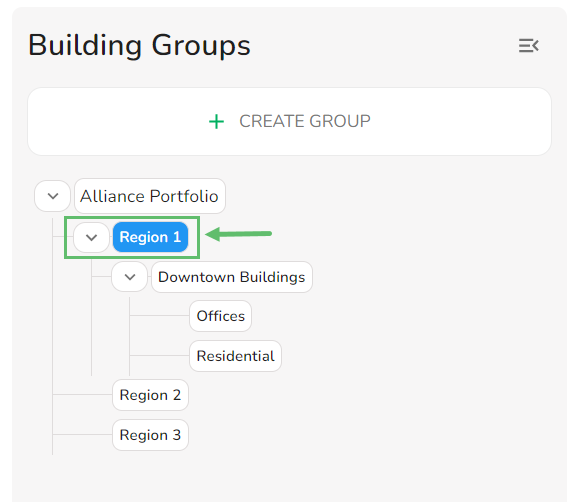
- Select the Building Group you want to remove a building from.
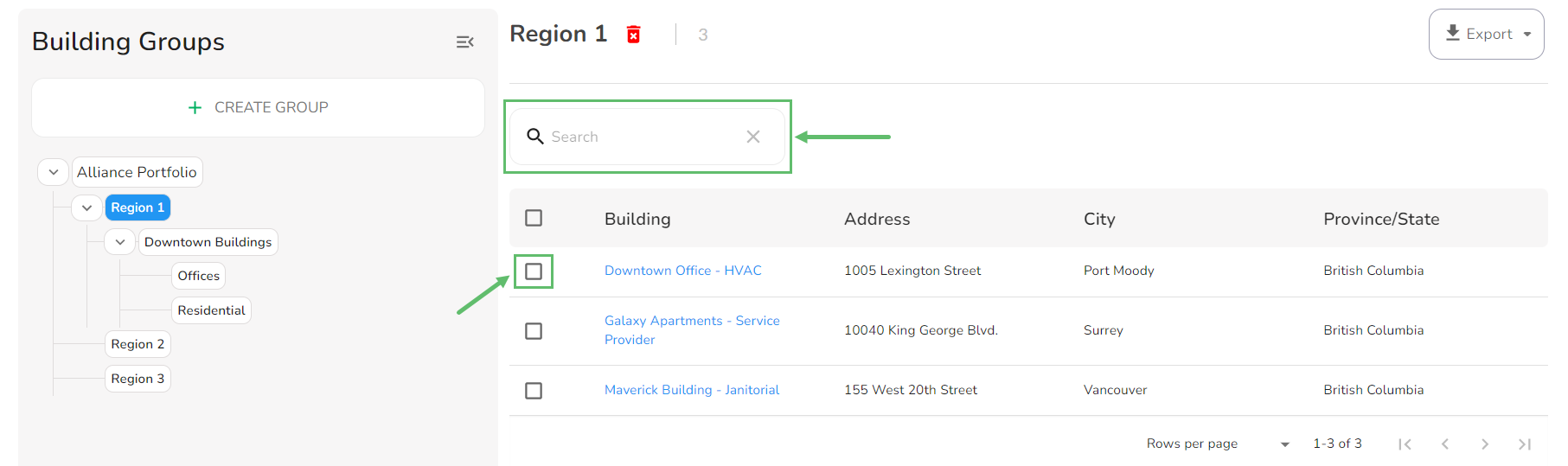
- Search and select one or more buildings.
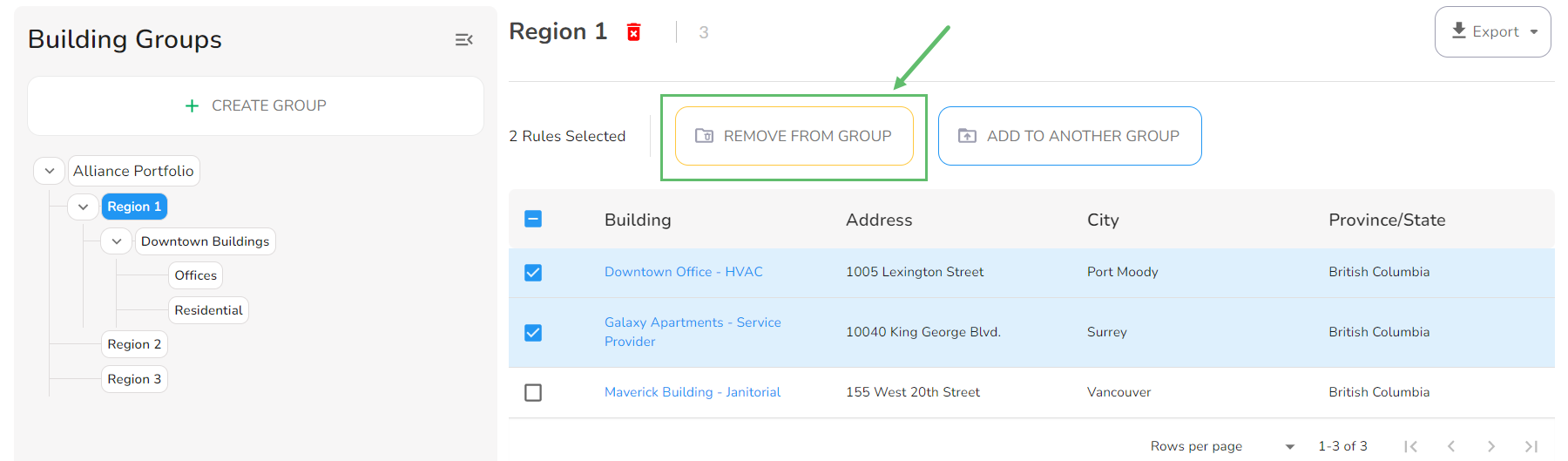
- After selecting the Building(s) you want to remove from the group, click on Remove from Group.