Organizations
Last updated
This article shows you how to edit the organization data in the Settings tab on the left navigation menu of the Admin Portal.
How to Edit Organization Data
You can edit organization data from the Settings tab in the left navigation menu of the Admin Portal. Changes made here will apply to service reports and other areas where your organization’s information is displayed.
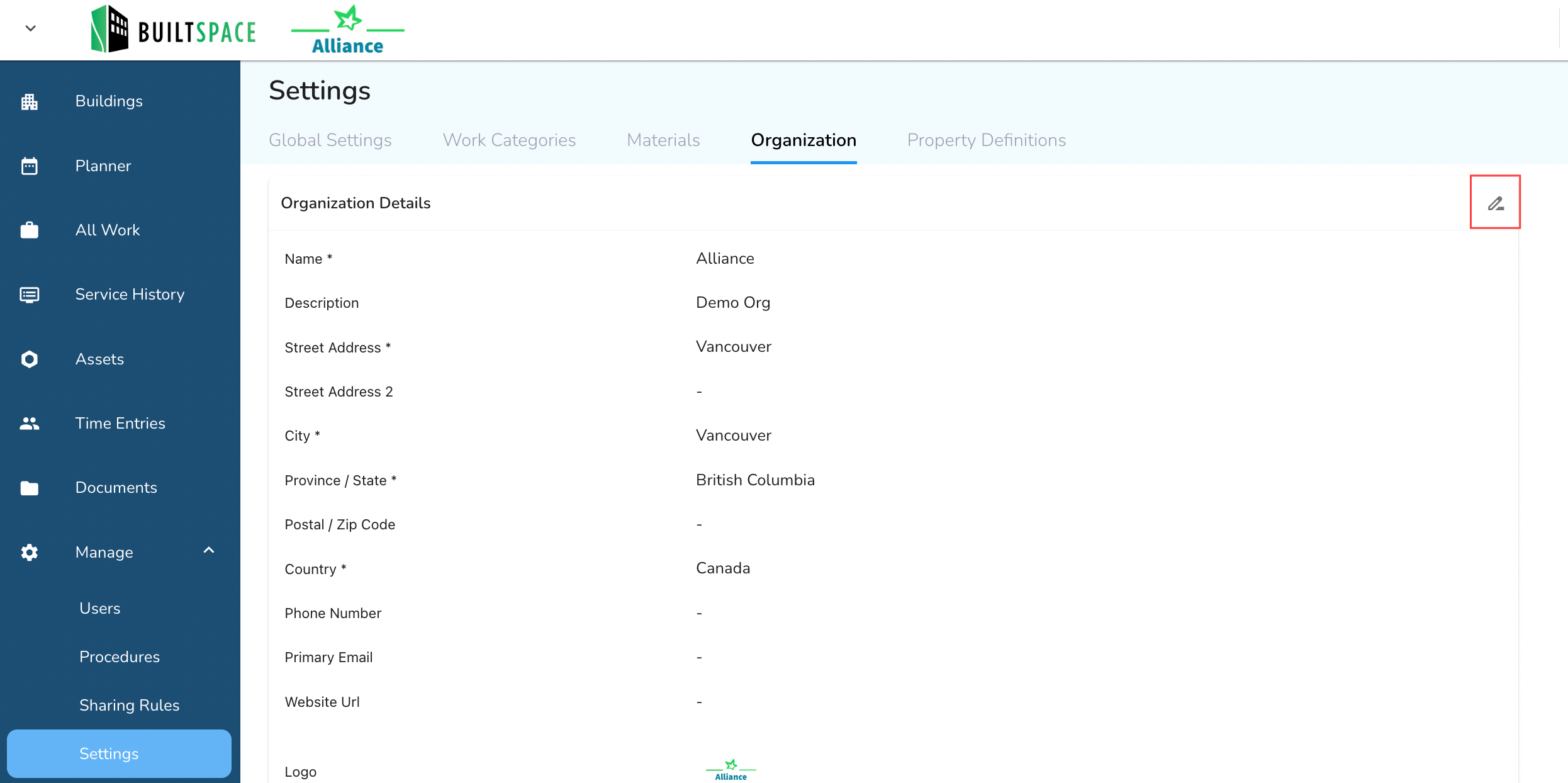
- Click on the pencil icon under the Organization tab to open the editable form.
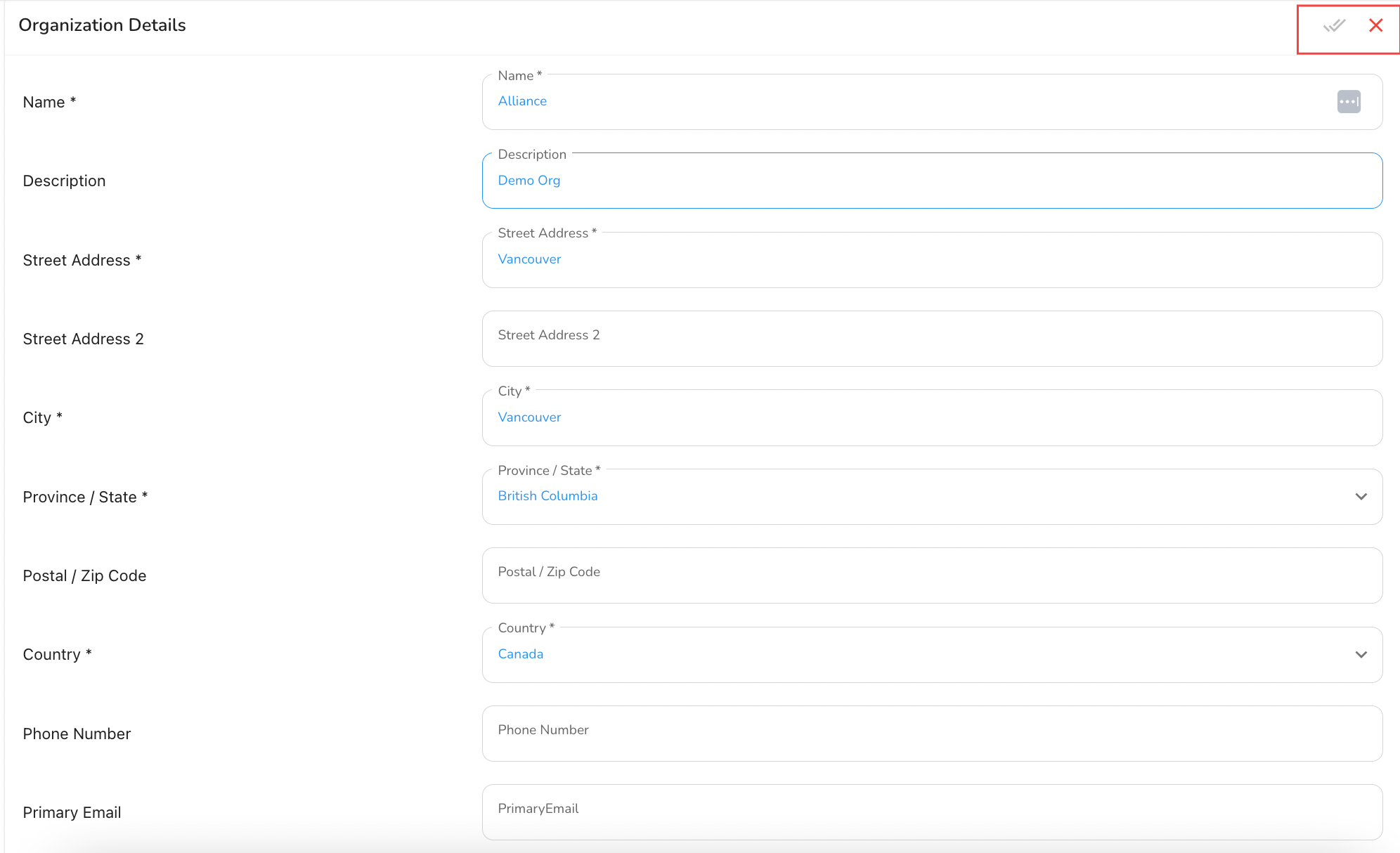
- Update any of the available fields including address, phone number, email, website URL, timezone, and company logo. Click the checkmark icon to save your changes.
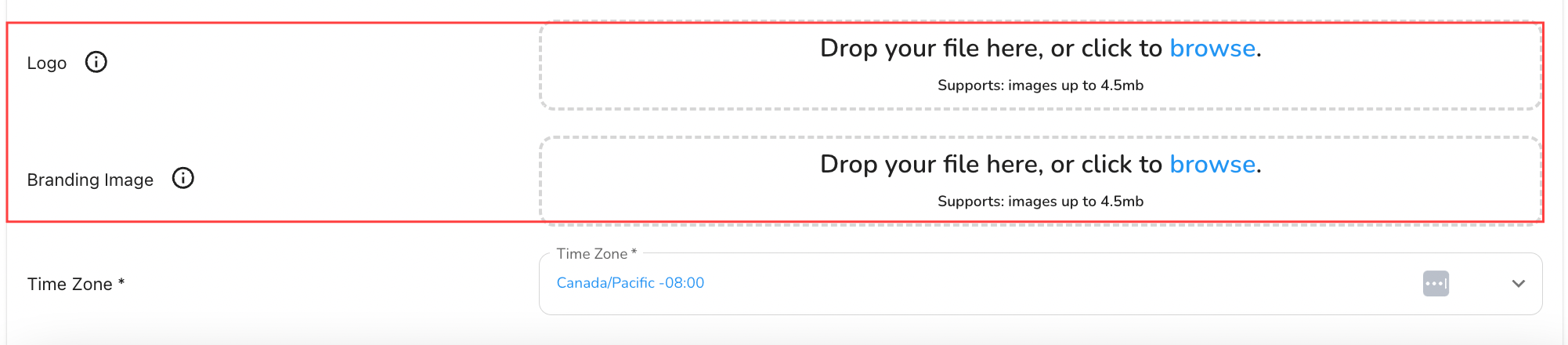
- To change the company logo, drag and drop the new file into the upload box or click Browse to select an image from your device.