How to generate Reports from Inspections page
Last updated
This article will teach you how to generate a detailed report from the Inspections page.
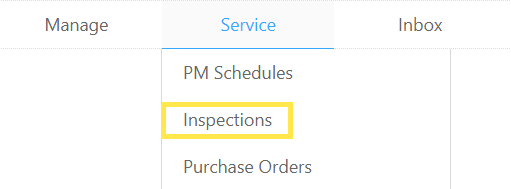
- Hover over to Service and click on Inspections.
- Inspections can be filtered by Building, Date Range, or by Job Number. Enter your filters and click on Go.
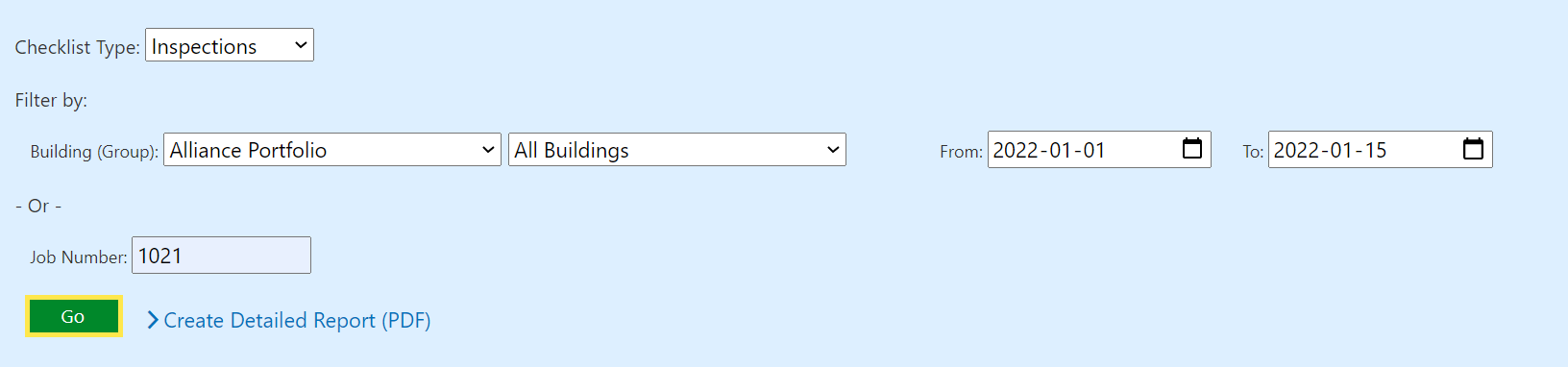
- Click on Create Detailed Report.

- From the next window, select the Report Format from the drop-down and click on Go.

- This will bring you to a printable version of the report. You can Save or Send the report as a PDF by clicking one of the 2 buttons in the top-right corner.
