How to Export Inspections Details
Last updated
This article will teach you how to export the 'Details' (field) (Questions) in your Inspections in Excel format. This can help the user do some basic analysis of their data.
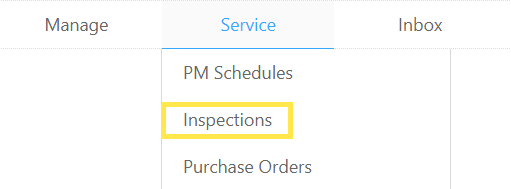
- Hover over the Service tab and click on Inspections.
- Inspections can be filtered by Building, Date Range, or by Job Number. Enter your filters and click on Go.
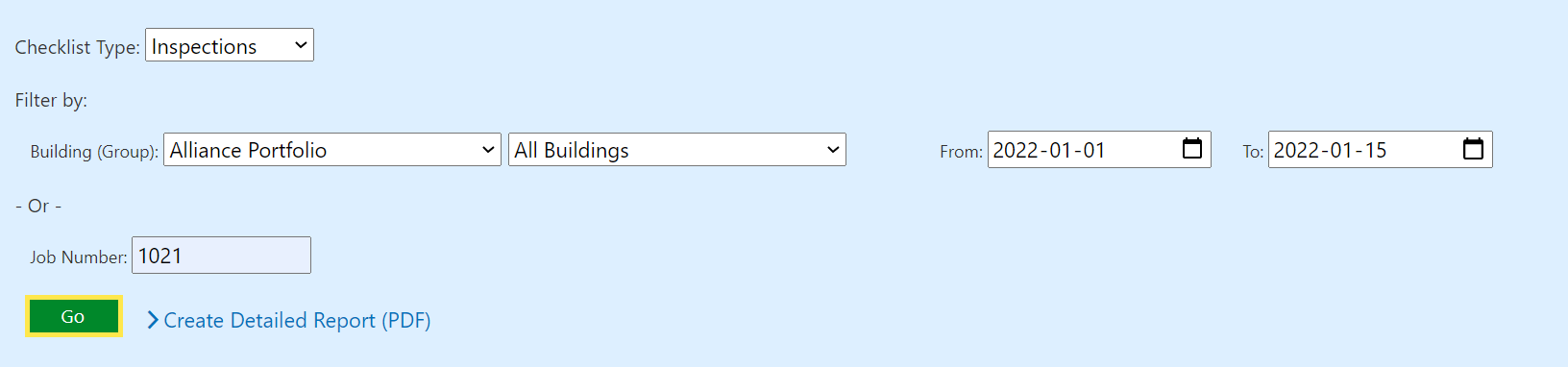
- The filtered data will be shown in a table below.
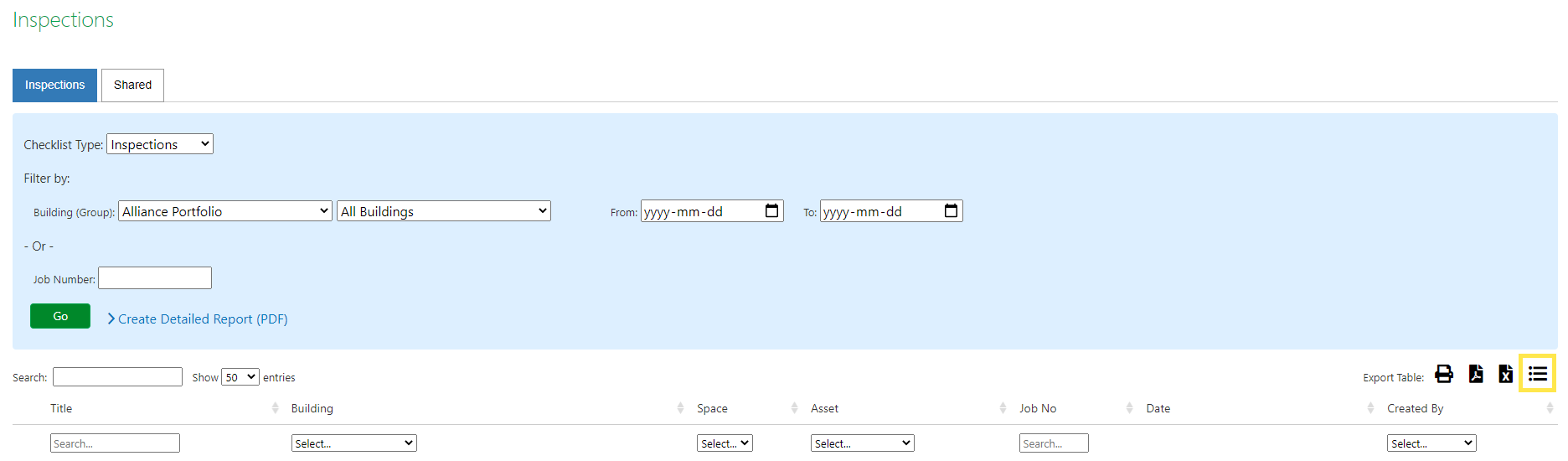
- By clicking on the Export Details button on the far right, the user will be able to download the Questions in each Inspection and the submitted response in Microsoft Excel format.