How to edit Procedures and Questions
Last updated
Note:Procedures must be created prior to Questions.
This article will teach you how to:
- Edit a Procedure
- Edit a Question in a Procedure
Editing a Procedure
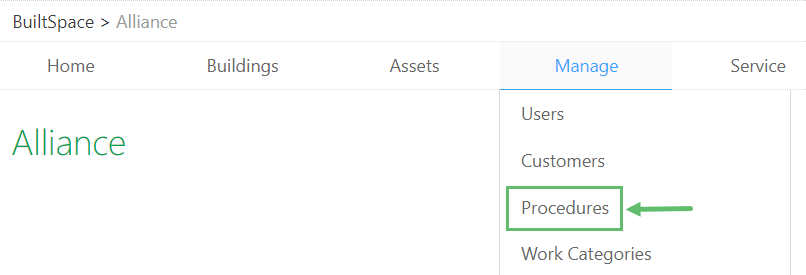
- Hover over to the Manage tab near the top of the page and click on Procedures.
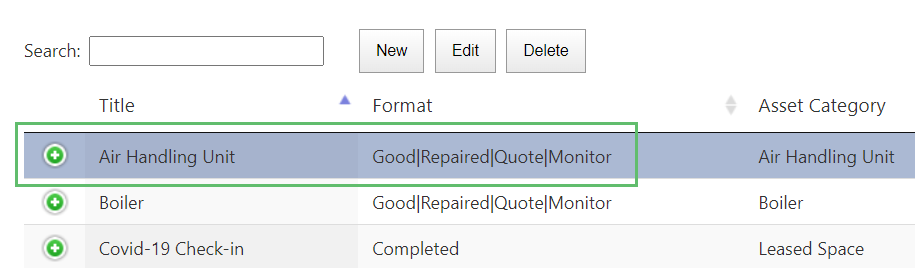
- Click anywhere inside the row of an existing Procedure to highlight it. The row will be highlighted in a darker blue, as you can see here:
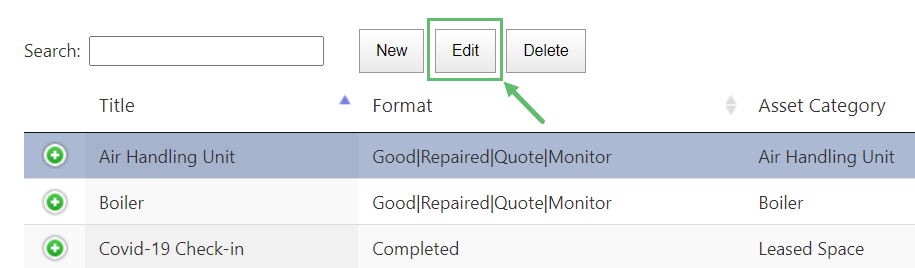
- Click on the Edit button at the top.
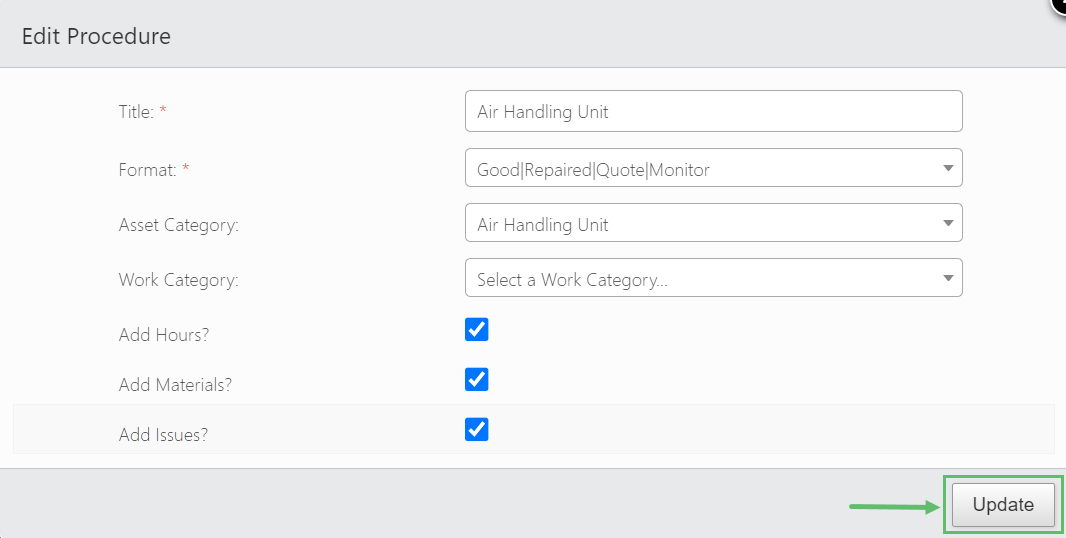
- Make the necessary changes and click on Update when done.
Editing Questions in a Procedure
- Locate the Procedure that contains the Questions you want to make changes to.
- Click on "+" to expand and see the Questions inside that Procedure.
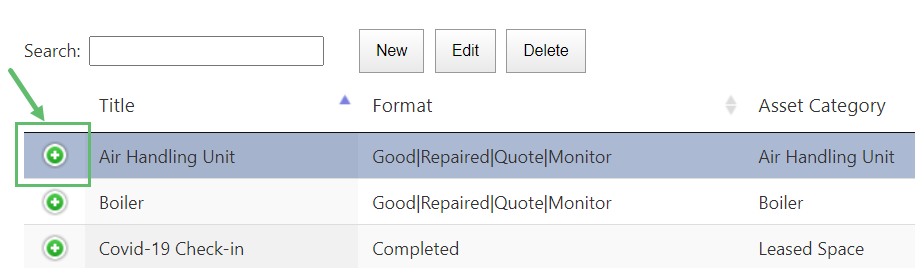
- Click anywhere in the row of the Question that you would like to edit (the entire row of the Question will be highlighted in a darker blue colour).
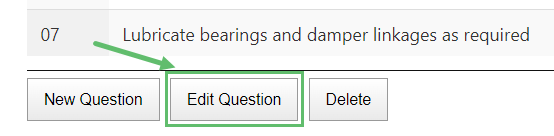
- Below the last Question of the Procedure you will find three (3) buttons. Click on the Edit Question button.
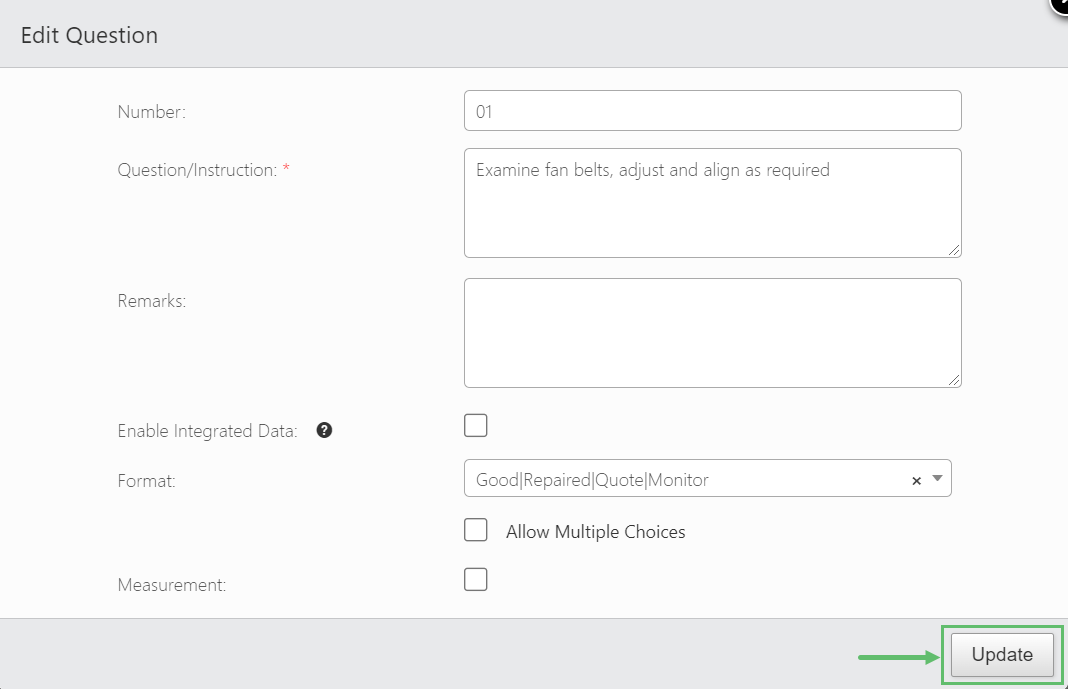
- Make the necessary changes and click on the Update when done.