How to edit a Building
Last updated
- Go to the Buildings page.
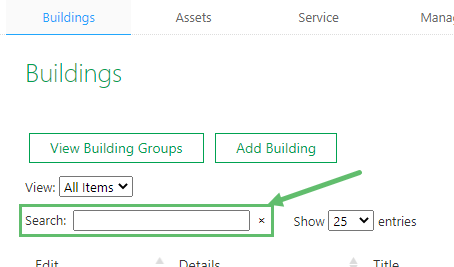
- All of your buildings are listed in a table on this page. Use the search function at the top to narrow down the results so you can find your building faster.
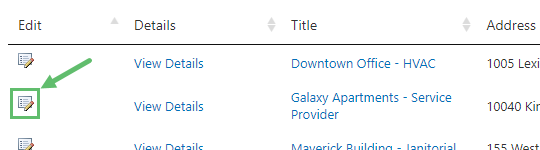
- Click on the Edit icon on the left of the building you want to make changes to.
- Make the necessary changes and click on Save.
Name change of building not appearing on Service Twin® app?
Did you change the name of a building and are not seeing the change reflect on the Service Twin® app? In order to see the name change on the mobile app, you must open the building in and 'refresh' it. Follow these steps:
- Once you have saved the changes on the web, open the Service Twin® app on your mobile device and tap on Explore Buildings.
- Search for the building with the old building name.
- Select the Building.
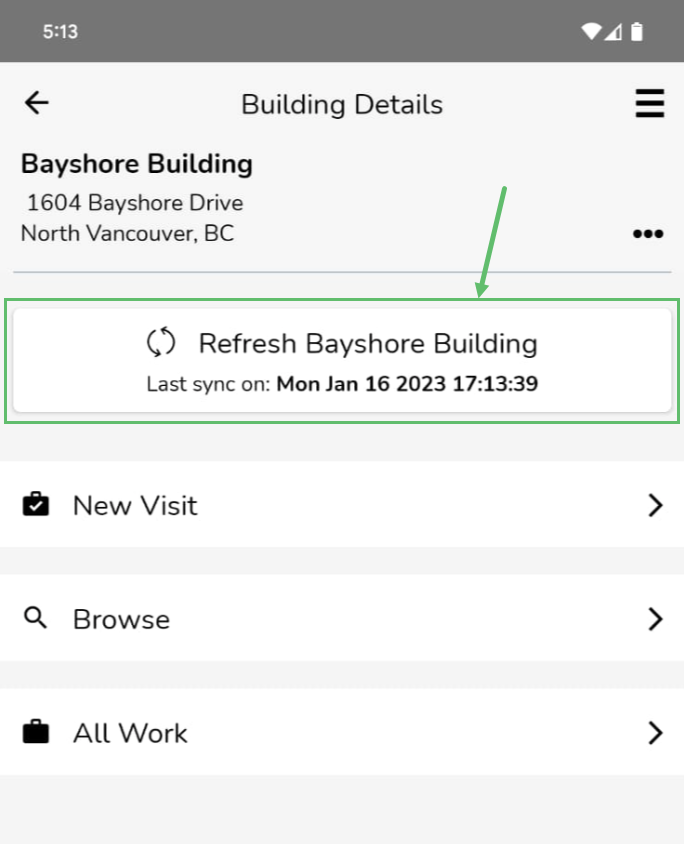
- Tap on the Refresh button near the top. You should now see the new building name.