How to batch-verify the assignment of QR codes
Last updated
- From the top navigation bar, click on Assets.

- Select a Building and then select QR Mappings from the drop-down menu.
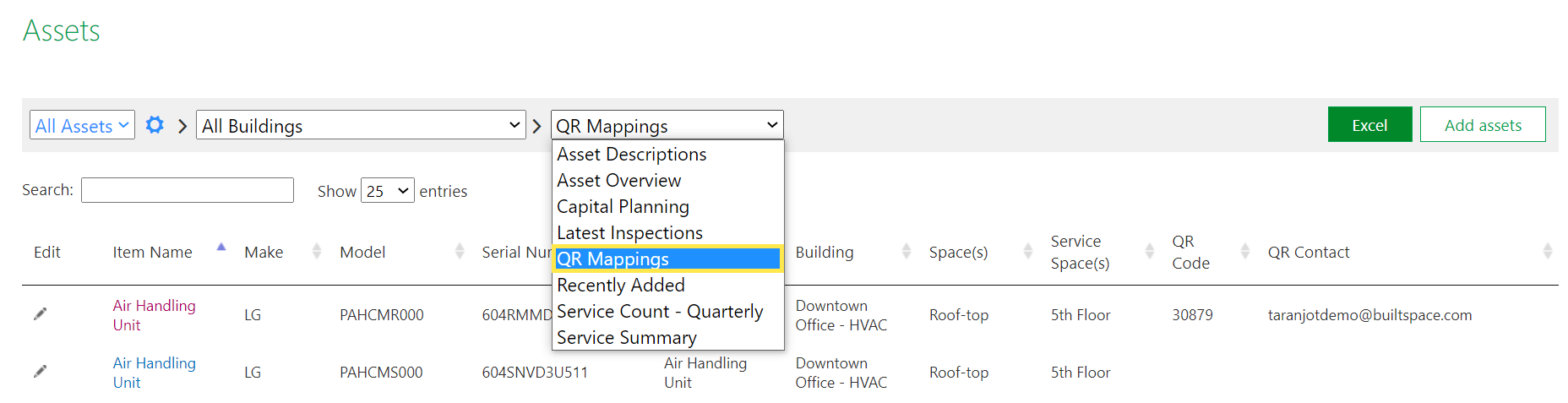
- Refer to the QR Code column on the right. If there is a value, it means that the Asset has a QR Code mapped to it. If it is blank, it means that no QR Code has been assigned to the Asset.
