How to assign a Visit to multiple Technicians
Last updated
In the article above, you learned how to create a new Visit. This article will teach you how to assign a Visit to multiple technicians.
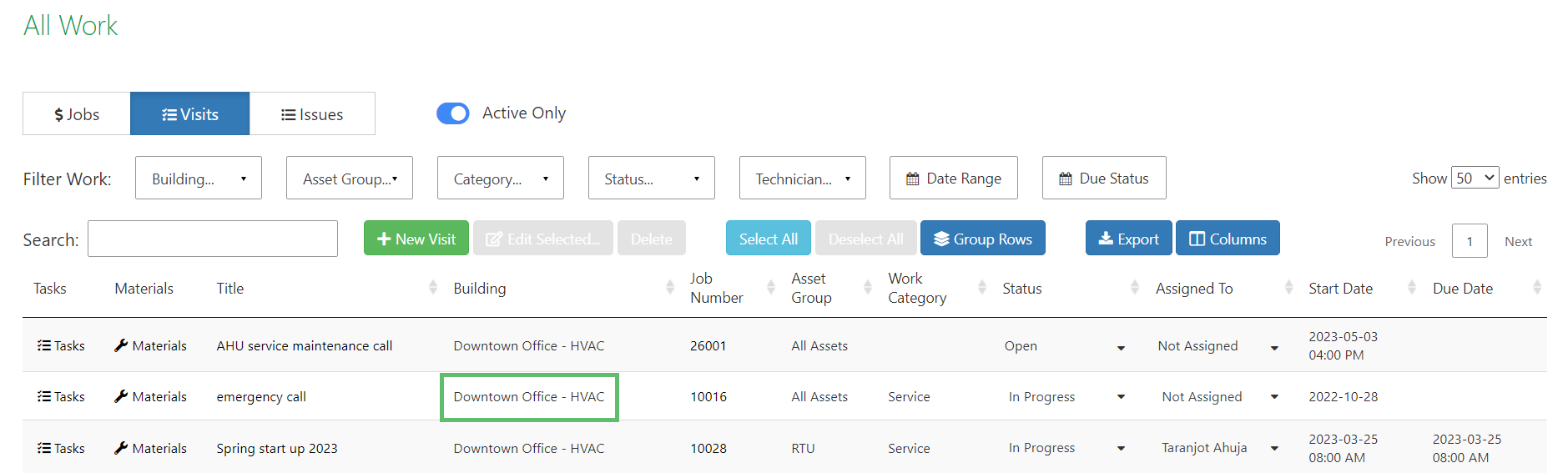
- After you have created a Visit, click on the Visit Title you want to edit.
- On the Visit edit pop-up, click on the Assigned To field to view the list of the technicians.
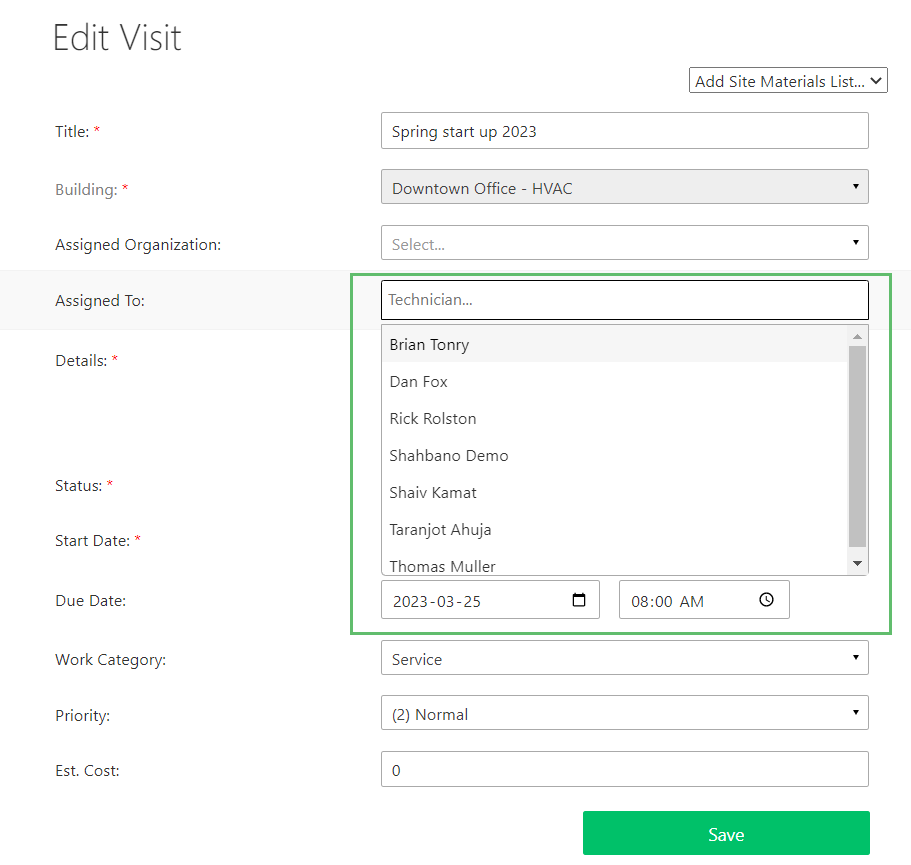
- Select one or more technicians from this list and click on Save to submit the changes.