How to add Spaces
Last updated
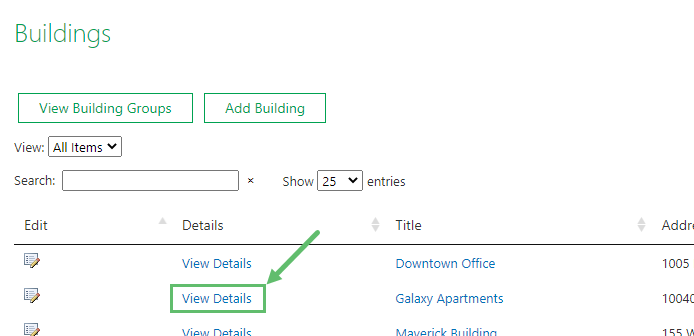
- Go to the Buildings page and locate the building you want to add Spaces to. Then click View Details.
- From the Building Details page, make sure you are on the Building tab/name (under the green 'Documents' button).
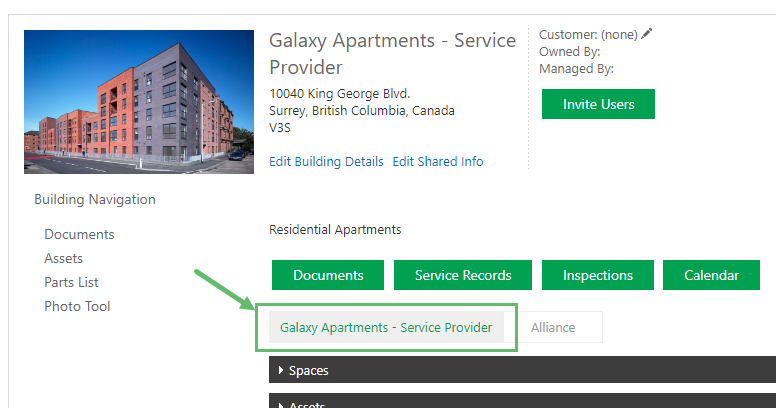
- Click Add on the right side of the Spaces accordion.

- Fill out the required fields:
Suite Number
Enter the number of the suite or the name of the unit.
Floor
Enter the level that the unit is on (e.g. Roof, Level 5, 7th Floor, 09, etc.)
Net & Gross Space and Floor Area Unit
This is the size of the space in both net and gross in either square feet or square meters. Enter "1" if unknown.
Note:The other fields: Enable Time Log and Space Usage) are optional.
- Click Save when done.