How to add New Users
Last updated
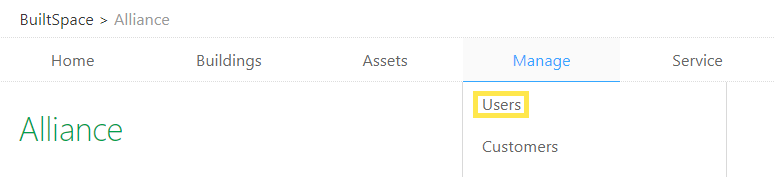
- Hover over the Manage tab near the top of the page and click on Users.
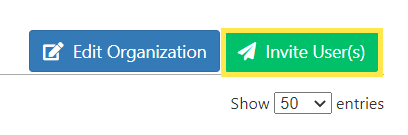
- Click on Invite Users in the top right corner of the page.
- Enter the Email Address of the new user.
- Choose the Role for the user you are inviting. You have two (2) options:
Organization Admin
This is an administrator role and should only be given to individuals who have been authorized to edit, delete & create data in your BuiltSpace Organization.
Organization User
Users with this role can perform Inspections and edit data in important places such as Jobs, but cannot modify managed lists. Usually granted to field technicians.
- Click Submit when done.
Note:You can only invite one user role at a time.