How to add a Profile Image to an Asset
Last updated
This article will teach you to select a profile image to an Asset.
After you have uploaded and saved the images as an attachment (see the article How to add Attachments to Assets), please follow the steps below:
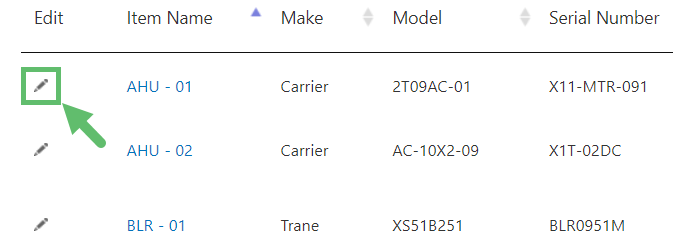
- Visit the Asset page and click on the Pencil icon under the Edit column of the desired Asset.
- Click on Advanced at the top right. Click on "OK" when a message appears.

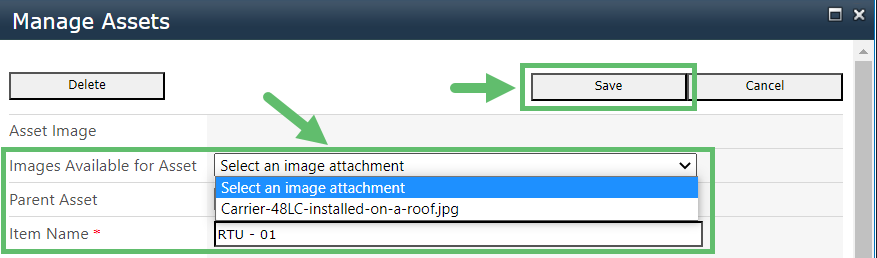
- Select the uploaded image from the drop-down and click on Save.