Exporting Shared Inspections
Last updated
This article will teach you how to export Shared Inspections.
- Filter and narrow the Shared Inspections data to the data that you want to export.
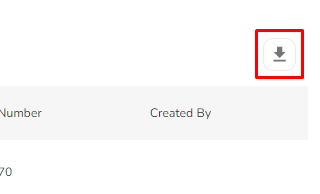
- Click on the Export in the top-right corner just above the header row.
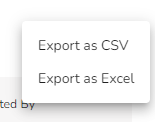
- Choose the format you want to export it as. You can choose to export the data as a CSV file or in Excel format.