Editing or Deleting a Sharing Rule
Last updated
From the Sharing Rules page, you can either modify an existing rule or delete one. Please follow the steps below:
How to edit a Sharing Rule
- From the Sharing Rule page, click anywhere inside the row of a rule.
- It will open the form with the rule settings.
- Make the changes and click on Update Sharing Rule.
Deleting a Sharing Rule
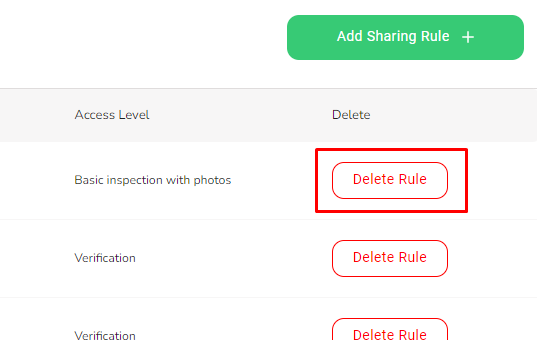
- From the Sharing Rule page, find the row of the sharing rule you want to delete and click on the Delete Rule button on the far right.
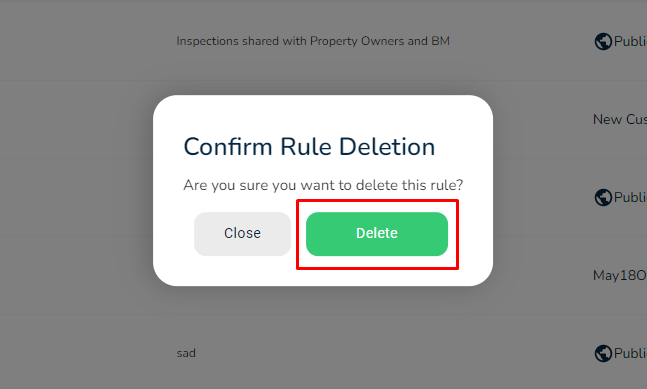
- Click on Delete to confirm.