Deleting a Building Group
Last updated
This article will teach you how to remove a Building Group. By doing so, the Sub Level Groups will also be removed.
To delete a Building Group, please follow the steps below:
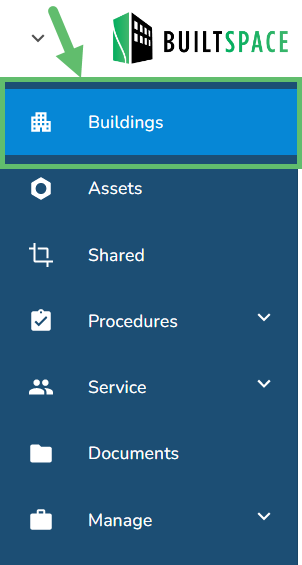
- Go to the Buildings page, found in the left navigation panel.
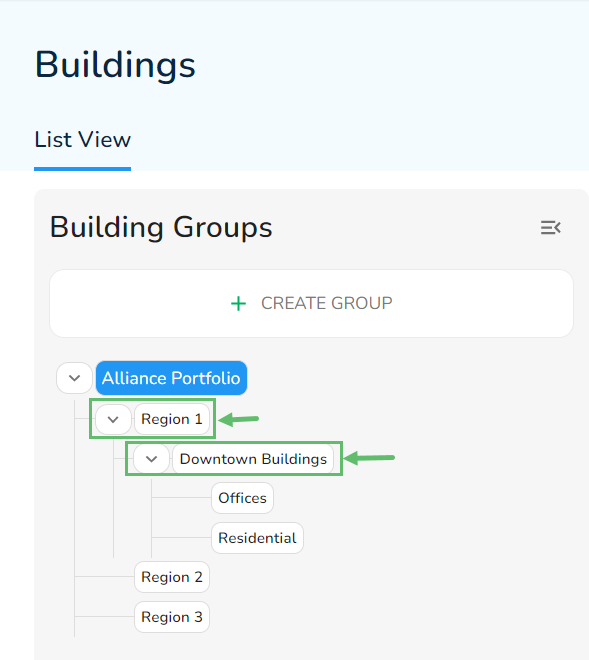
- Select the Top-Level Group or the Sub Group that you wish to delete.
- Once selected, click on the Delete next to the Building Group name.

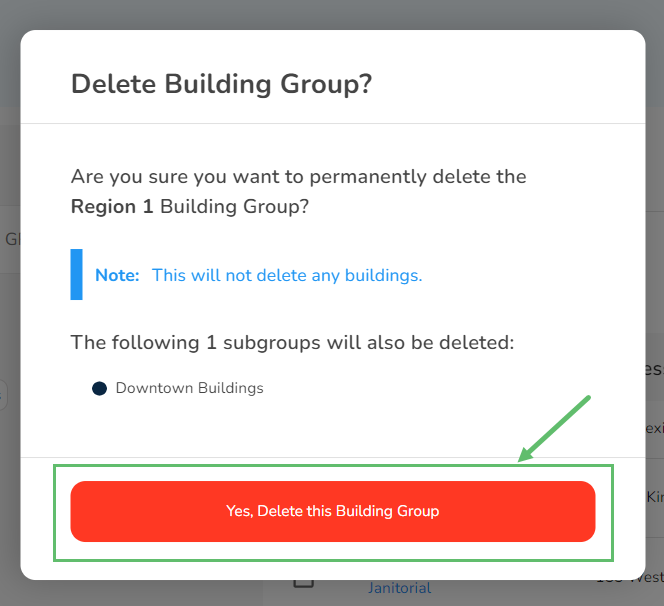
- Click "Yes, Delete this Building Group" to confirm the request.