Creating a Folder
Last updated
In this article, you will learn how to create a new folder. You may of course also create folders inside folders, unlimited levels deep. Follow these simple steps:
Creating a New Folder
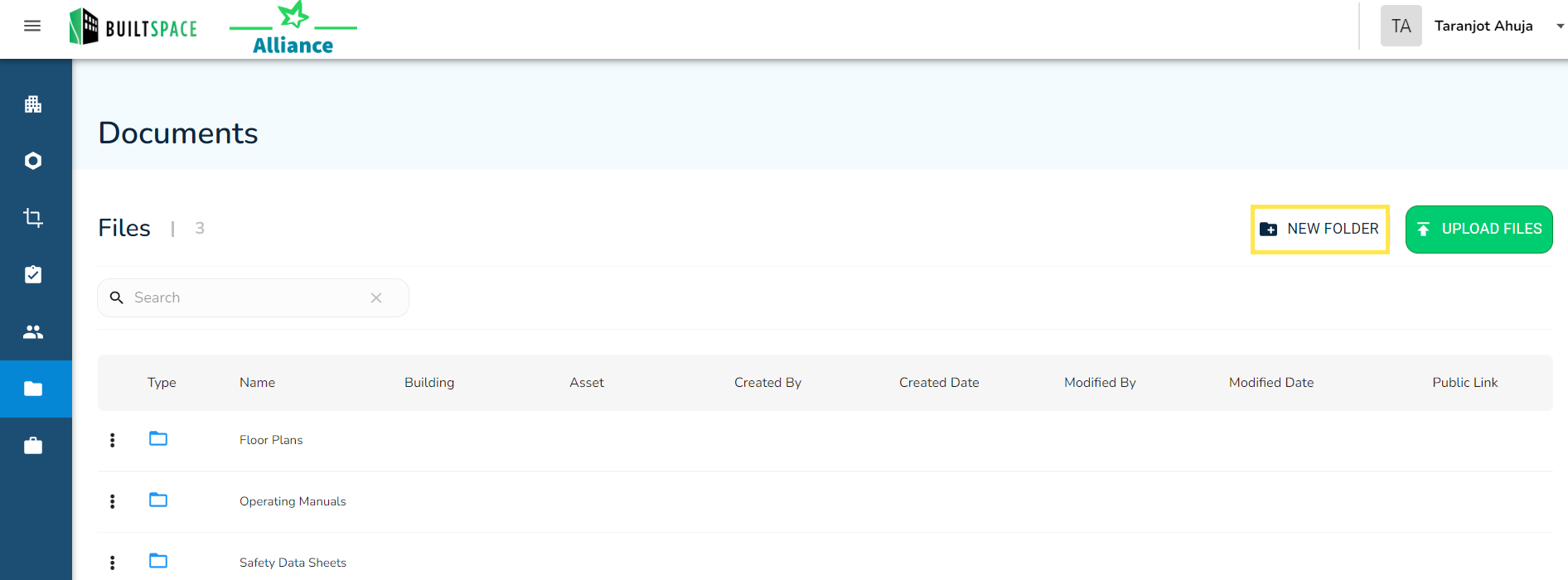
- From the Documents page click on the New Folder in the top-right corner.
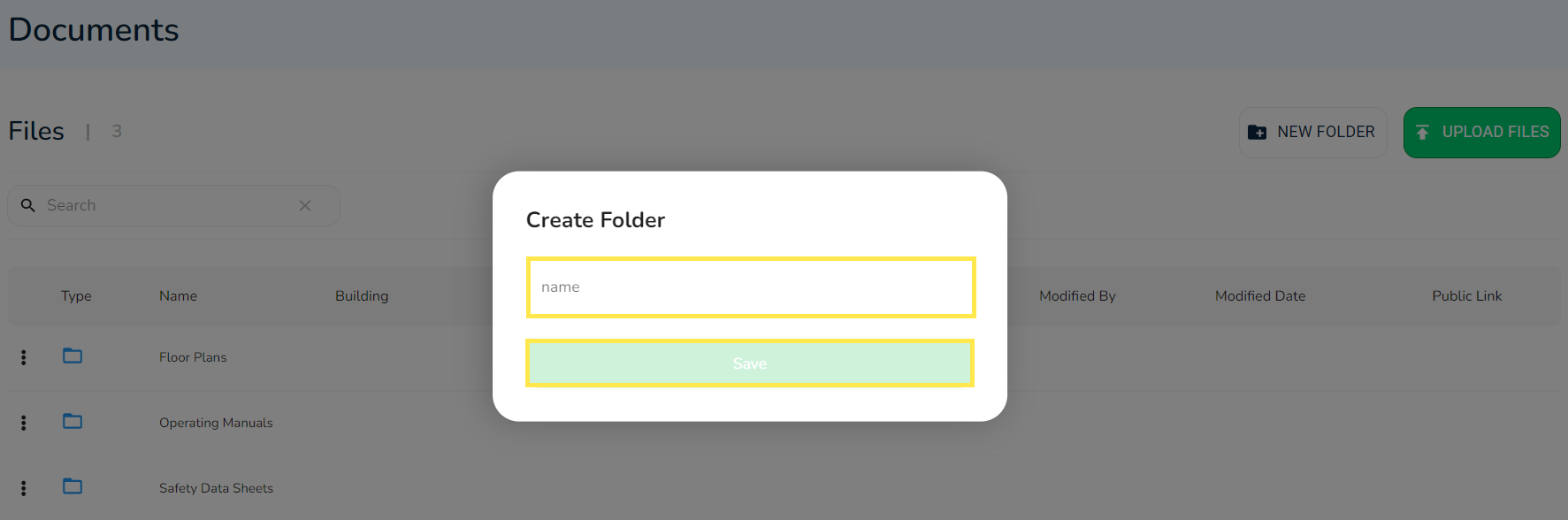
- Enter the name of the folder and click on Save.