Adding a Building to another Group
Last updated
It is possible for a Building to belong to multiple Building Groups. This article will teach you how to add a Building to another Building Group.
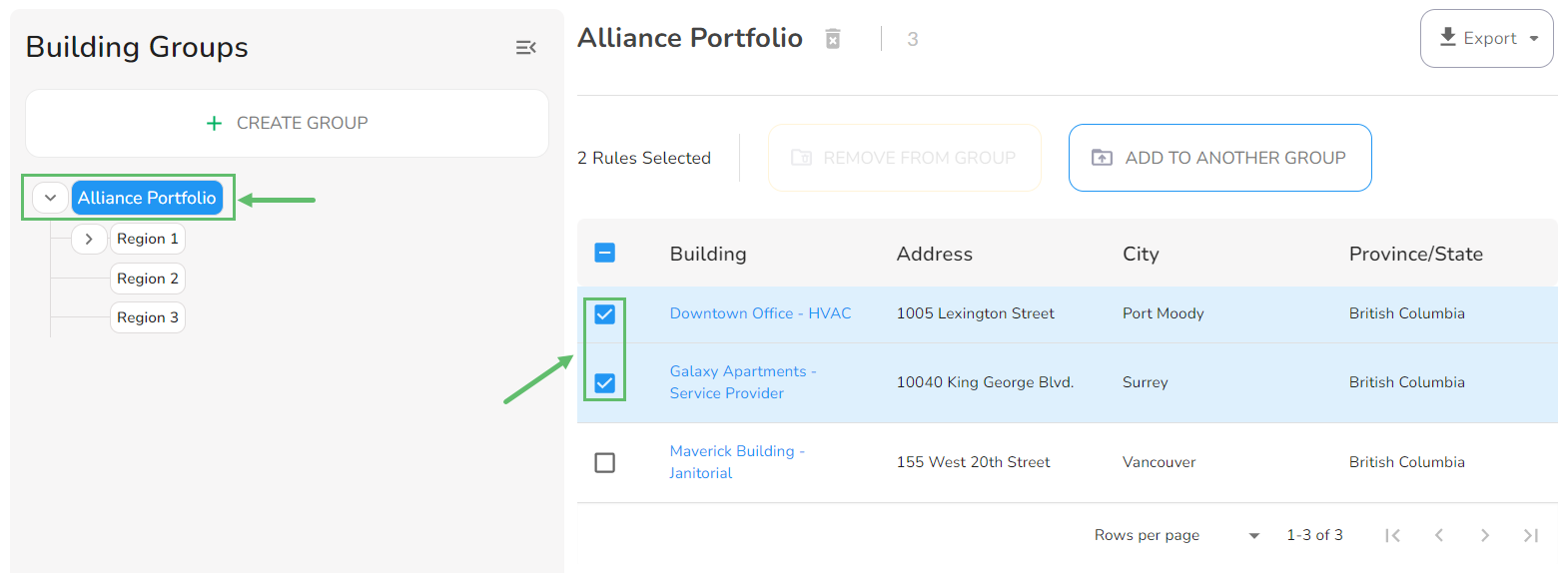
- From the Organization Portfolio (or from any Building Group), select one or more Buildings that you would like to add to another Building Group.
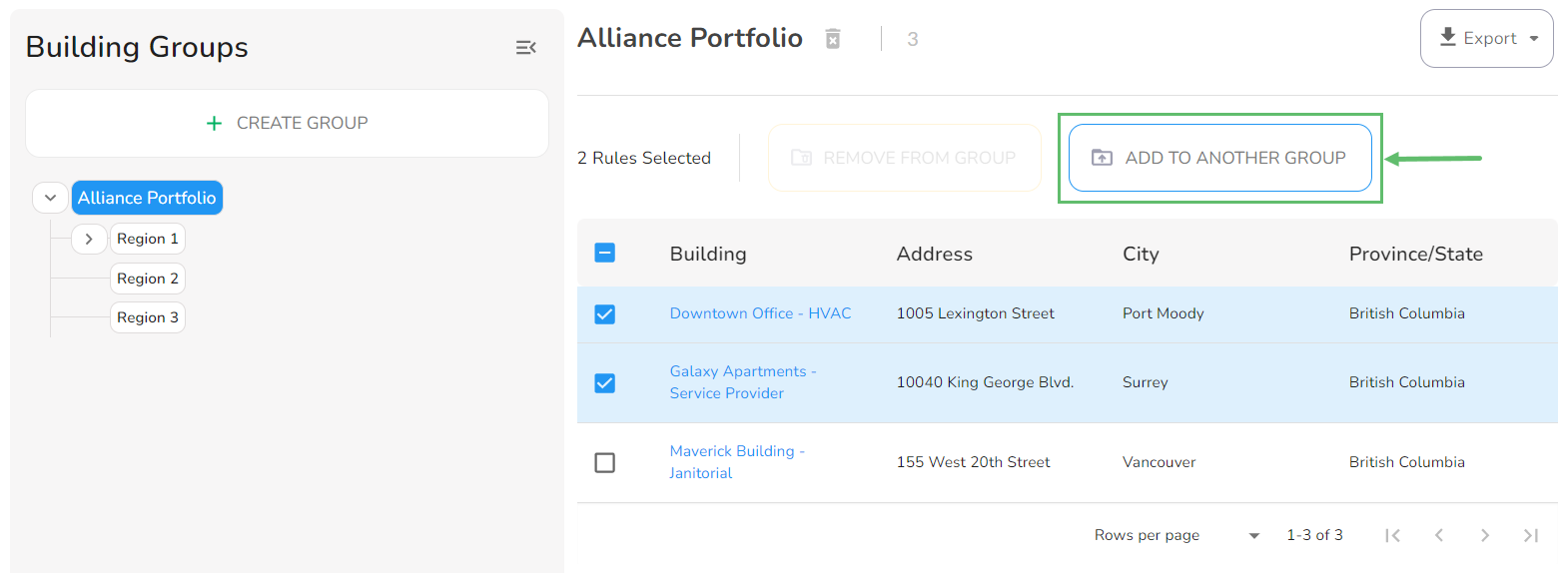
- Click on Add to another Group.
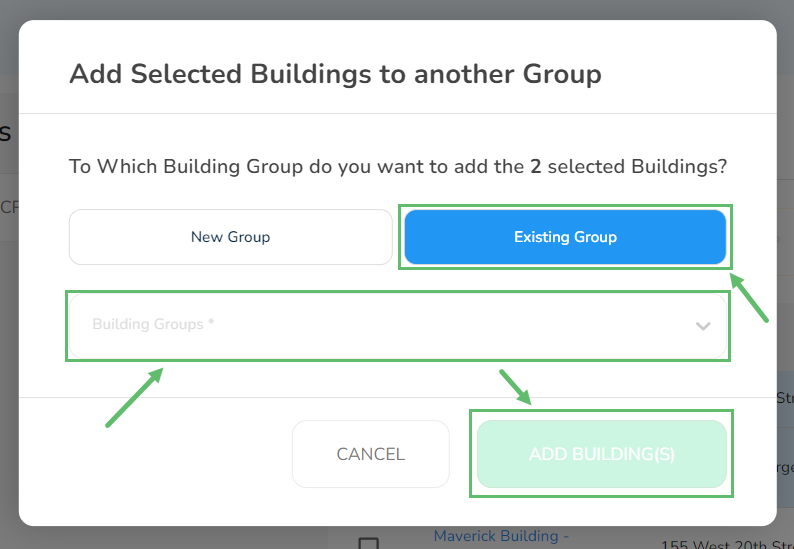
- From the next screen, you can either add the Building(s) to a New Group or to an Existing Group.
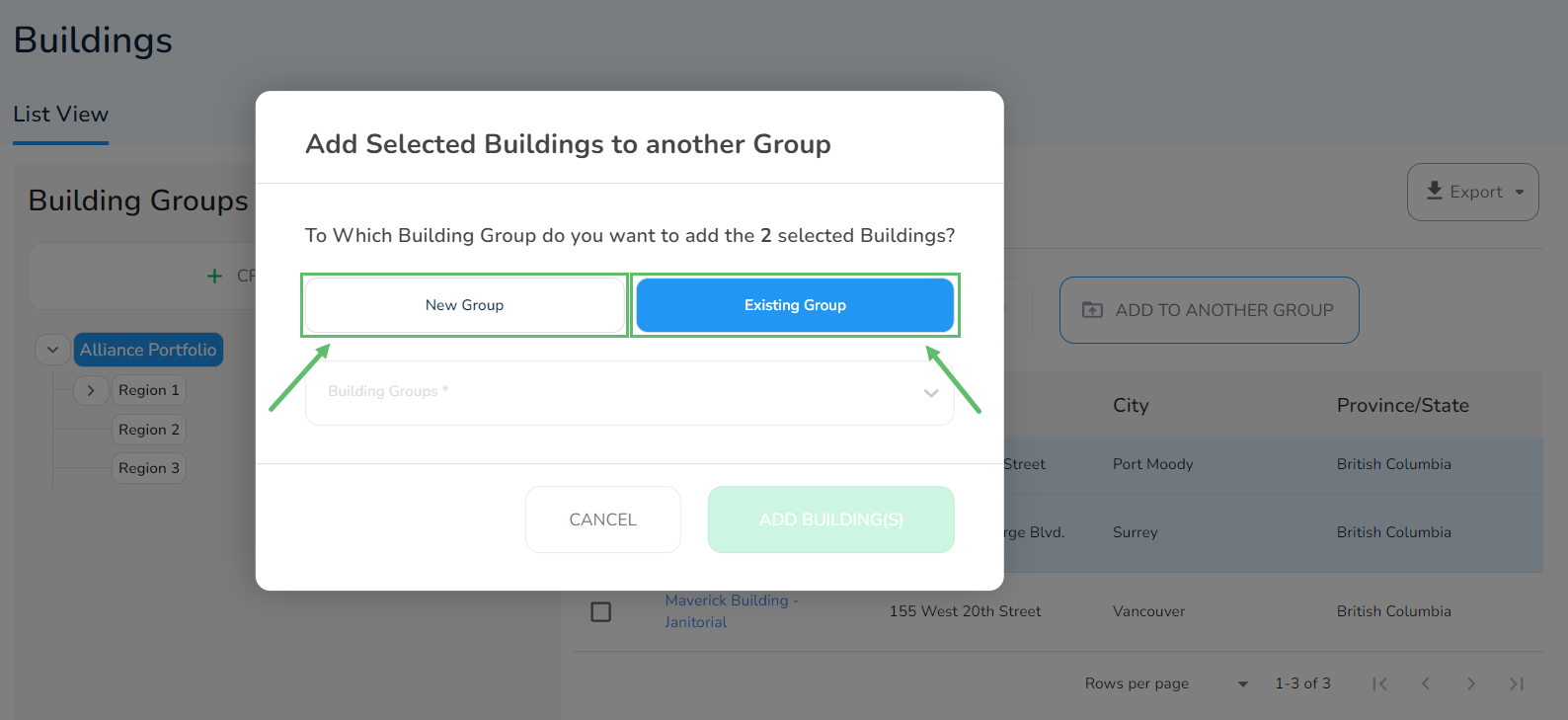
A. Creating a New Group
Enter the Group Name and click on when done. 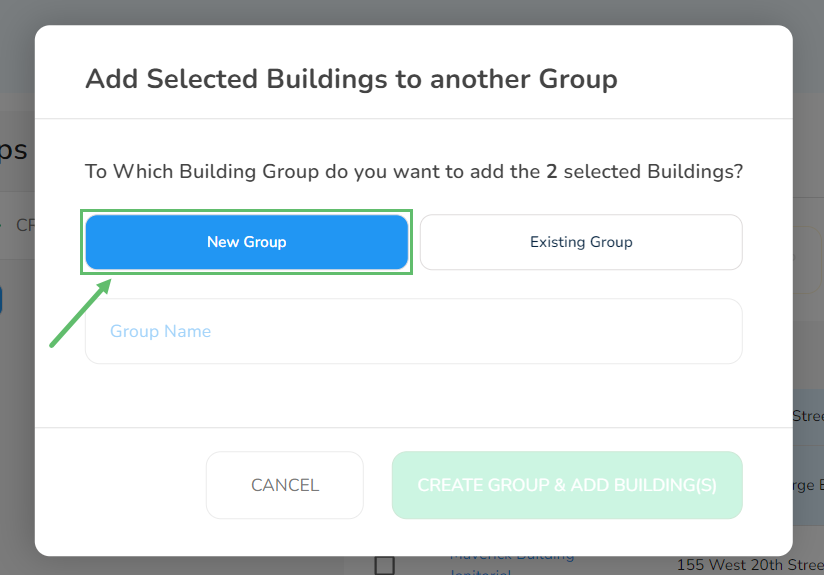
B. Existing Group
Select the existing group from the list and click on Add Building(s) when done.